Buying & Selling
Buyers: Paying the Seller for Your Item
Buying on Crypto Barter is a straightforward peer-to-peer experience. You send cryptocurrency directly from your wallet to the seller's wallet. This guide walks you through the entire buying process, from finding items to completing payment.
How Buying Works
The buying process on Crypto Barter follows these steps:
- Browse listings: Search or browse the marketplace for items you want
- Contact the seller: Send a message to ask questions or express interest
- Agree on terms: Confirm the price, cryptocurrency, and meetup details
- Meet the seller: Meet at a safe, public location to inspect the item
- Send payment: Transfer the agreed crypto amount to the seller's wallet
- Receive your item: Once payment confirms, complete the exchange
Before You Buy
Make sure you're prepared before committing to a purchase:
- Have crypto ready: Ensure you have enough of the required cryptocurrency in your wallet
- Verify the listing: Read the description carefully and review all photos
- Ask questions: Message the seller about any concerns before meeting
- Check the seller's profile: Look for verification badges and transaction history
Making Payment
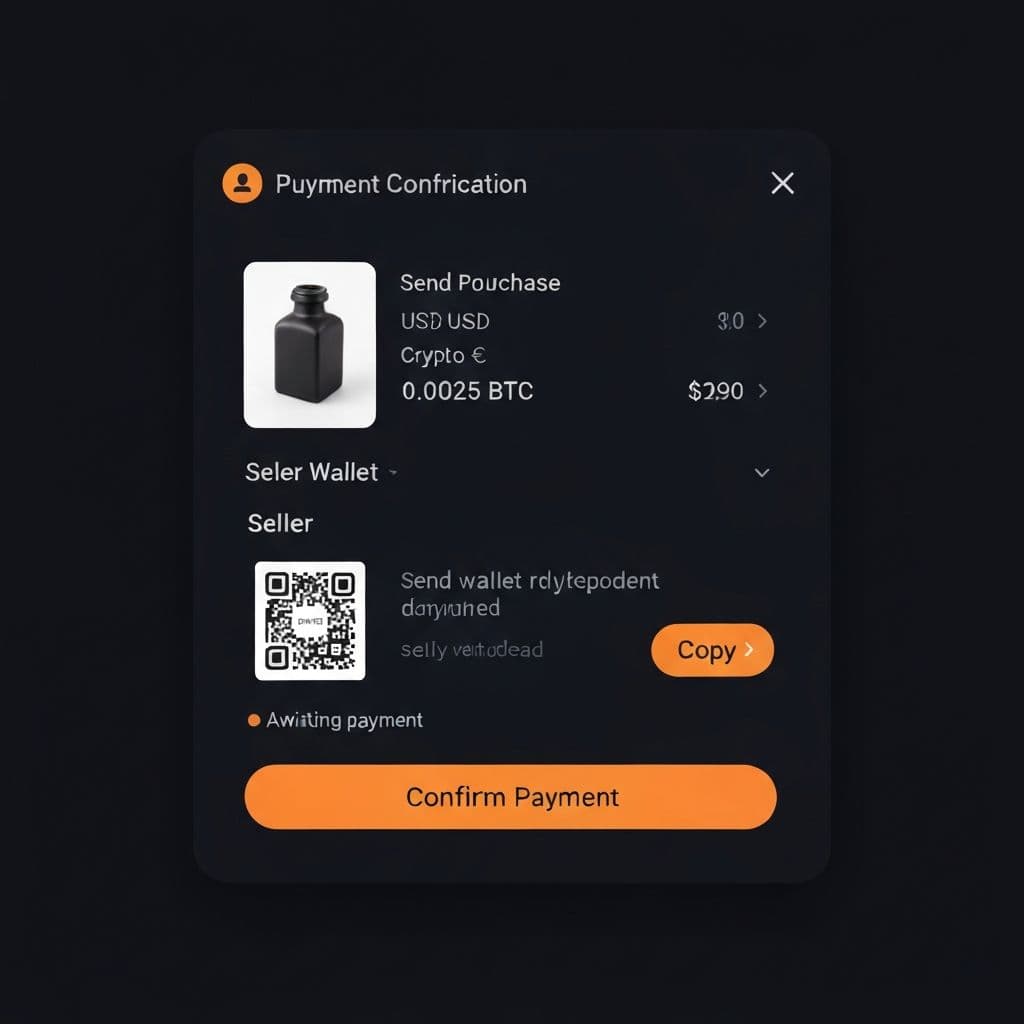
When you're ready to pay the seller:
- Get the wallet address: The seller will share their wallet address or show a QR code
- Open your wallet: Launch your cryptocurrency wallet app
- Scan or paste the address: Use your wallet's "Send" function
- Enter the amount: Input the exact agreed-upon amount
- Review carefully: Double-check the address and amount before confirming
- Send the transaction: Confirm and send the payment
- Wait for confirmation: Both you and the seller can track the transaction on-chain
Transaction Tips
- Double-check addresses:Always verify the wallet address is correct. Crypto sent to the wrong address cannot be recovered.
- Account for network fees:Make sure you have enough to cover the transaction amount plus network fees.
- Consider test transactions:For high-value purchases, consider sending a small test amount first.
- Wait for confirmations:Most transactions confirm within minutes, but some networks may take longer during high traffic.
Inspecting the Item
Before sending payment, always inspect the item thoroughly:
- Compare the item to the listing photos and description
- Check for any damage, wear, or defects not mentioned in the listing
- Test functionality if applicable (electronics, vehicles, etc.)
- Ask about any accessories, manuals, or original packaging
- Take photos of the item for your records
If the item doesn't match the description, you can walk away before sending payment.
Safety Tips for Buyers
- Meet in public: Always meet in well-lit, busy public places like coffee shops or shopping centers
- Inspect before paying: Never send payment until you've inspected the item in person
- Trust your instincts: If something feels wrong, don't complete the transaction
- Bring a friend: Consider bringing someone with you for high-value purchases
- Keep records: Save all messages and transaction details
- Never share private keys: Your wallet's private keys and seed phrases should never be shared
After Your Purchase
Once you've completed the transaction:
- Keep your transaction receipt/hash for your records
- Save any documentation that came with the item
- Leave feedback about your experience (when available)
- Report any issues to Crypto Barter support if necessary
What If Something Goes Wrong?
While Crypto Barter aims to facilitate safe transactions, issues can occasionally occur:
- Opening a Dispute - Learn how to report problems with a transaction
- Refund Policies - Understand our refund guidelines
- Escrow Protection - Learn about protected transactions
Need Help?
If you have questions about buying on Crypto Barter, please contact our support team. We're here to help!