Account & Security
Account Recovery
If you've forgotten your password or can't access your Crypto Barter account, don't worry. This guide will walk you through the recovery process to regain access to your account.
Forgot Your Password?
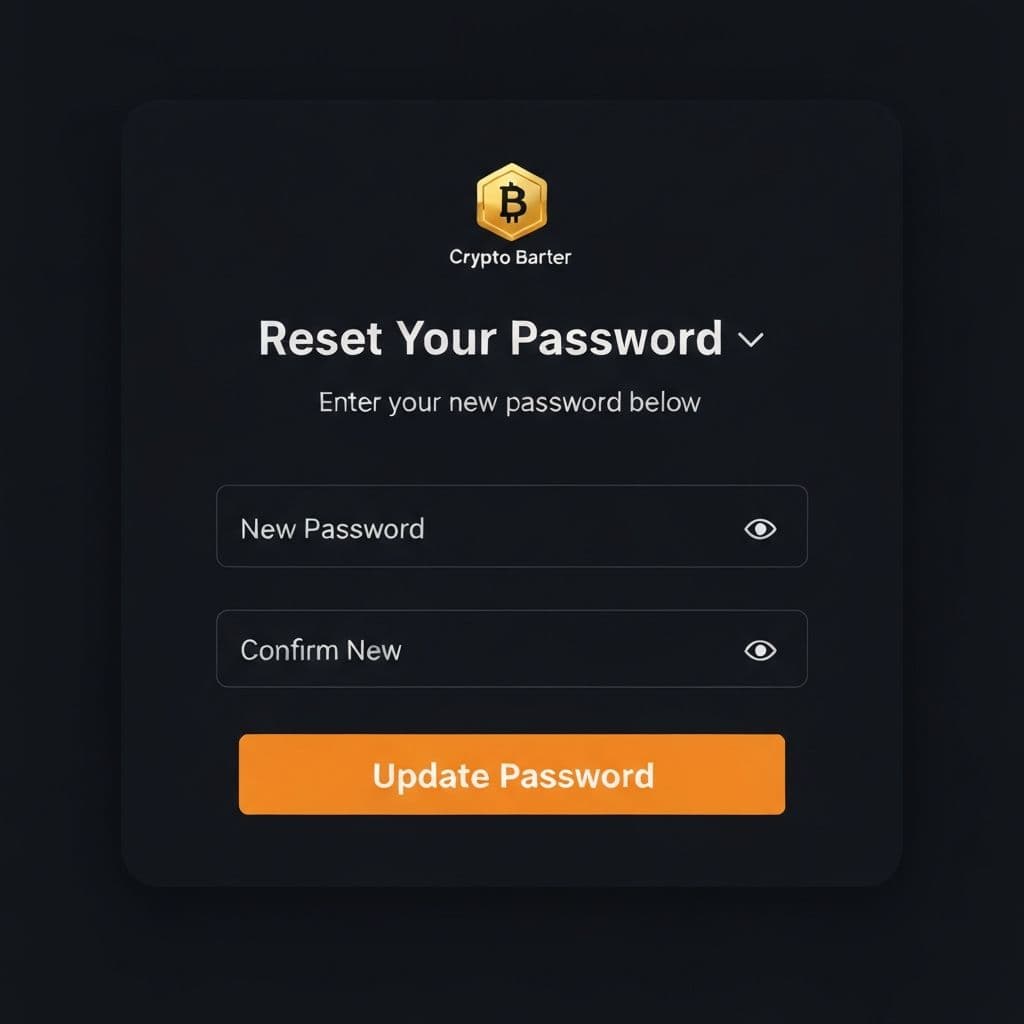
If you've forgotten your password, you can reset it via email:
- Go to the Login page
- Click "Forgot password?" below the login form
- Enter the email address associated with your account
- Click "Send Reset Link"
- Check your email inbox for a message from Crypto Barter
- Click the reset link in the email (link expires after a set time)
- Enter your new password (at least 8 characters)
- Confirm your new password
- Click "Update Password"
Once your password is updated, you'll be automatically logged in and redirected to your Barter Control Center.
Didn't Receive the Email?
If you don't see the password reset email:
- Check your spam/junk folder: The email might have been filtered
- Verify your email address: Make sure you entered the correct email for your account
- Wait a few minutes: Sometimes emails take a moment to arrive
- Try again: Request another reset link if needed
- Check for typos: Ensure there are no spelling errors in your email address
Can't Access Your 2FA Device?
If you have two-factor authentication enabled but can't access your authenticator app:
- Use backup codes: When you enabled 2FA, you received backup codes. Use one of these to log in.
- Check another device: If you set up 2FA on multiple devices (like Authy), try logging in from another device.
- Contact support: If you don't have backup codes, you'll need to verify your identity with our support team.
Account Locked?
Your account may be temporarily locked if:
- Too many failed login attempts were made
- Suspicious activity was detected on your account
- A policy violation was identified
For locked accounts, please contact our support team with your account email address and we'll help you regain access.
Identity Verification for Recovery
In some cases, our support team may need to verify your identity before restoring account access. You may be asked to provide:
- The email address associated with your account
- Your username on the platform
- Details about recent transactions or listings
- Answers to security questions (if previously set up)
- Photo ID (in rare cases where other verification methods aren't available)
This process helps protect your account from unauthorized access.
Prevent Future Lockouts
Take these steps to avoid being locked out of your account:
- Use a password manager: Store your password securely so you don't forget it
- Save backup codes: If you use 2FA, store your backup codes in a safe place
- Keep your email current: Make sure your account email is accessible
- Enable recovery options: Set up all available recovery methods
Related Articles
- Changing Your Password - Update your password when logged in
- Two-Factor Authentication - Set up and manage 2FA
Need Help?
If you're still unable to access your account, please contact our support team. Provide as much detail as possible about your account and the issue you're experiencing.