Getting Started
Setting Up Your Wallet
To receive cryptocurrency payments for items you sell on Crypto Barter, you need to add your wallet addresses to your account. This guide will walk you through the process of adding, managing, and using your crypto wallet addresses.
What You'll Need
Before adding wallet addresses to Crypto Barter, you'll need:
- A cryptocurrency wallet: This can be a hardware wallet (like Ledger or Trezor), a software wallet (like MetaMask, Trust Wallet, or Exodus), or an exchange wallet.
- Your wallet addresses: The public addresses for each cryptocurrency you want to accept as payment.
For recommendations on which wallet to use, check out our Wallet Recommendations guide.
Adding Wallet Addresses
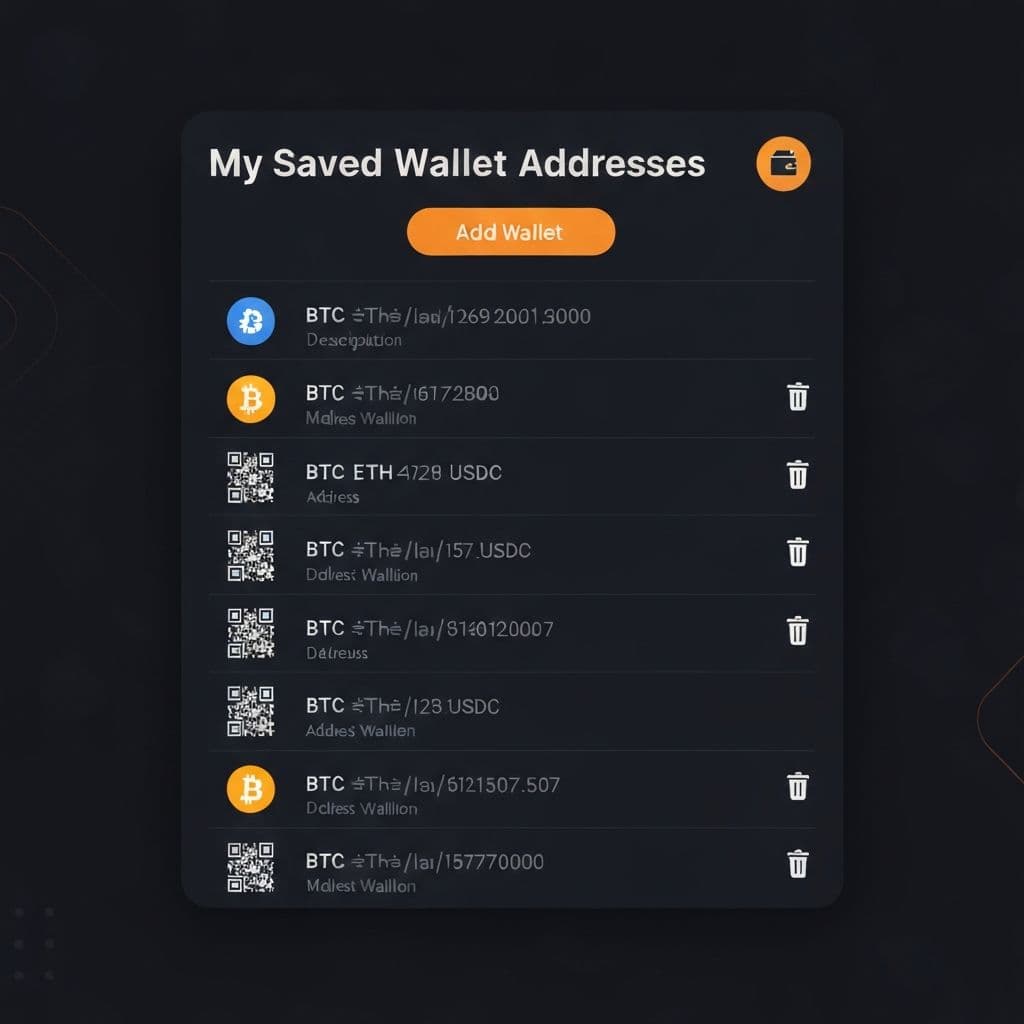
Your wallet addresses are managed from the "My Saved Wallet Addresses" card in your Barter Control Center.
To add a new wallet address:
- Go to your Barter Control Center
- Find the "My Saved Wallet Addresses" card and click to expand it
- Click the "Add Wallet" button
- Enter a description for this wallet (e.g., "My Bitcoin Wallet" or "Hardware Wallet BTC")
- Select the cryptocurrency type from the dropdown (BTC, ETH, USDC, SOL, etc.)
- Paste your wallet's public address
- Click "Save" to add the wallet
Repeat this process for each cryptocurrency you want to accept as payment. You can add multiple wallets for the same cryptocurrency if needed.
Supported Cryptocurrencies
Crypto Barter supports a wide variety of cryptocurrencies. The available options are based on your coin preferences, which you can customize in your account settings. Popular options include:
- Bitcoin (BTC)
- Ethereum (ETH)
- USD Coin (USDC)
- Tether (USDT)
- Solana (SOL)
- Cardano (ADA)
- Dogecoin (DOGE)
- Litecoin (LTC)
- XRP (XRP)
- And many more...
Visit our Educational Center to learn more about each cryptocurrency.
Using QR Codes
Each saved wallet address can display a QR code for easy sharing during in-person meetups:
- Find the wallet address in your list
- Click the QR code icon next to the address
- Show the QR code to the buyer on your screen
- The buyer scans the code with their wallet app to send payment
QR codes make transactions faster and reduce the risk of errors when typing long wallet addresses manually.
Managing Your Wallets
You can manage your saved wallet addresses at any time:
- Delete a wallet: Click the trash icon next to any wallet address to remove it from your account
- Add more wallets: You can add as many wallet addresses as you need
- Different descriptions: Use clear descriptions to differentiate between wallets (e.g., "Main BTC Wallet" vs "Hardware BTC")
Security Tips
- Never share your private keys: Only add your public wallet addresses to Crypto Barter. Never share your private keys, seed phrases, or recovery words with anyone.
- Double-check addresses: Always verify your wallet address is correct before saving. Sending crypto to the wrong address can result in permanent loss.
- Use trusted wallets: Only use reputable wallet applications from official sources.
- Consider hardware wallets: For storing larger amounts of cryptocurrency, hardware wallets offer enhanced security.
What's Next?
Now that your wallet is set up, you're ready to start selling:
- How to List an Item - Learn how to create your first listing
- Selling for Your Choice of Crypto - Understand how to price and sell items
Need Help?
If you have questions about setting up your wallet, please contact our support team. We're here to help!